 ZenMic
Comparison Guide
ZenMic vs Riverside: Record vs Create
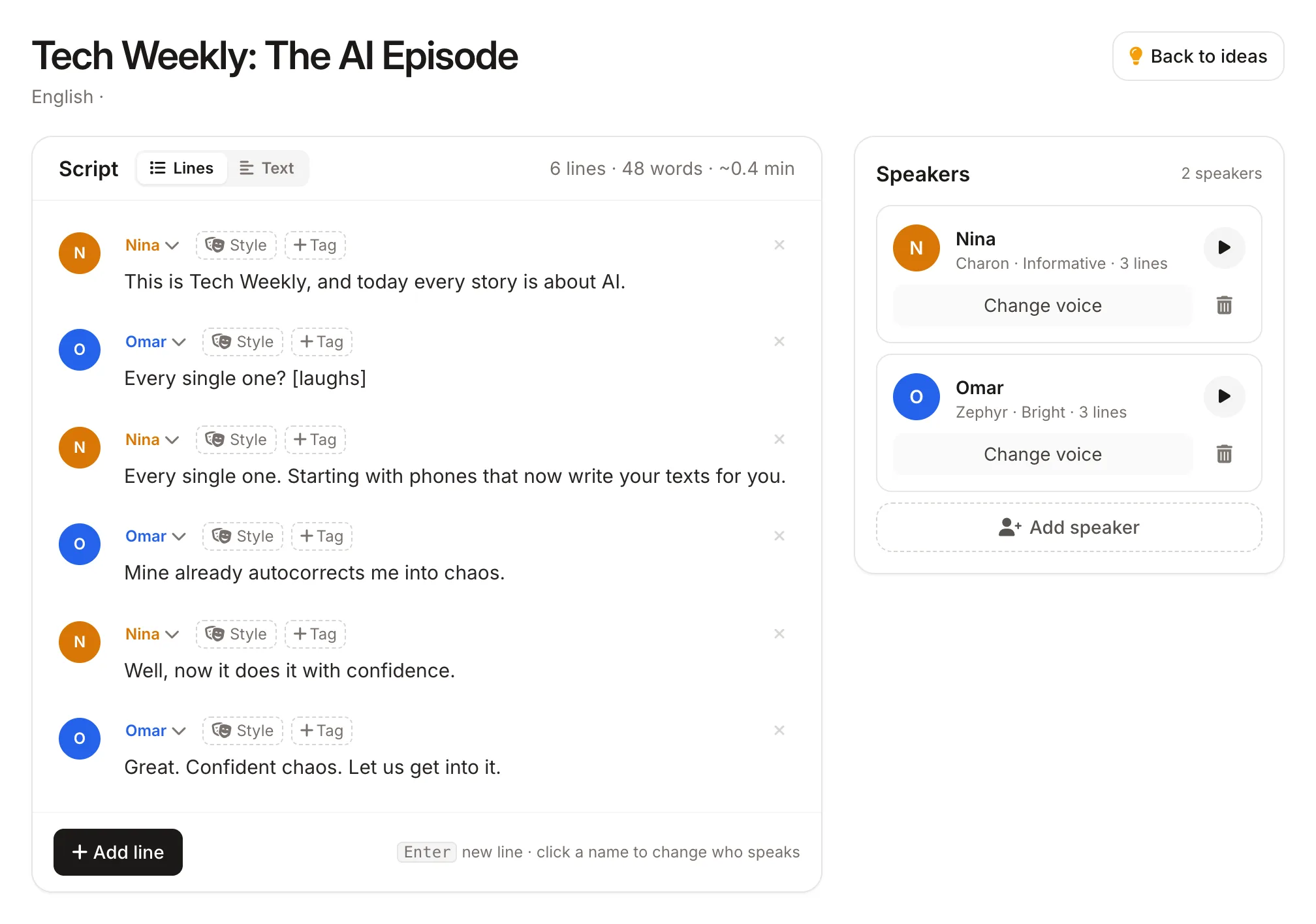
Riverside records live remote interviews. ZenMic creates podcast episodes from text with AI voices. No scheduling, no guests, no recording sessions.
Feature Comparison
| Feature | Riverside.fm | ZenMic |
|---|---|---|
| What It Is | Remote recording studio | AI podcast creation platform |
| Requires Real Guests | ✓Live remote sessions | ✗AI-generated conversations |
| AI Script Generation | ✗ | ✓ |
| High-Quality Remote Recording | ✓4K video, lossless audio | ⬜AI-generated audio only |
| RSS Feed / Podcast Hosting | ✗Requires separate host | ✓Built-in RSS for every show |
| Content from PDF / Blog | ✗ | ✓ |
| REST API | ⬜Limited | ✓ |
| Starting Price | Free / $19/mo Pro | Free to start |
Which Tool Is Right for You?
Use Riverside if...
TL;DR: Riverside is a remote recording studio—you still need real guests, a microphone, and scheduled sessions. If your show's value comes from live human conversations, Riverside is purpose-built for that.
- • You record interviews with real human guests
- • You need 4K video recording for YouTube clips
- • You want lossless local audio recording
- • Your show's value is real conversations, not scripted content
Use ZenMic if...
TL;DR: ZenMic creates full podcast episodes from text alone—no guests, no microphone, no scheduling required. It also includes built-in RSS hosting so your show goes straight to Spotify and Apple Podcasts without a separate service.
- • You want to create podcast content without scheduling guest sessions
- • You want AI to generate scripts from your notes, PDFs, or blogs
- • You need built-in RSS feeds and podcast distribution
- • You want to publish consistently without equipment or recording setup
Create AI Podcast Episodes — No Recording Required
Turn any topic, PDF, or blog post into a podcast episode in minutes.
Start Free with ZenMic →